Organize Your Windows 11 Desktop with Folder Stacks & Glass Themes
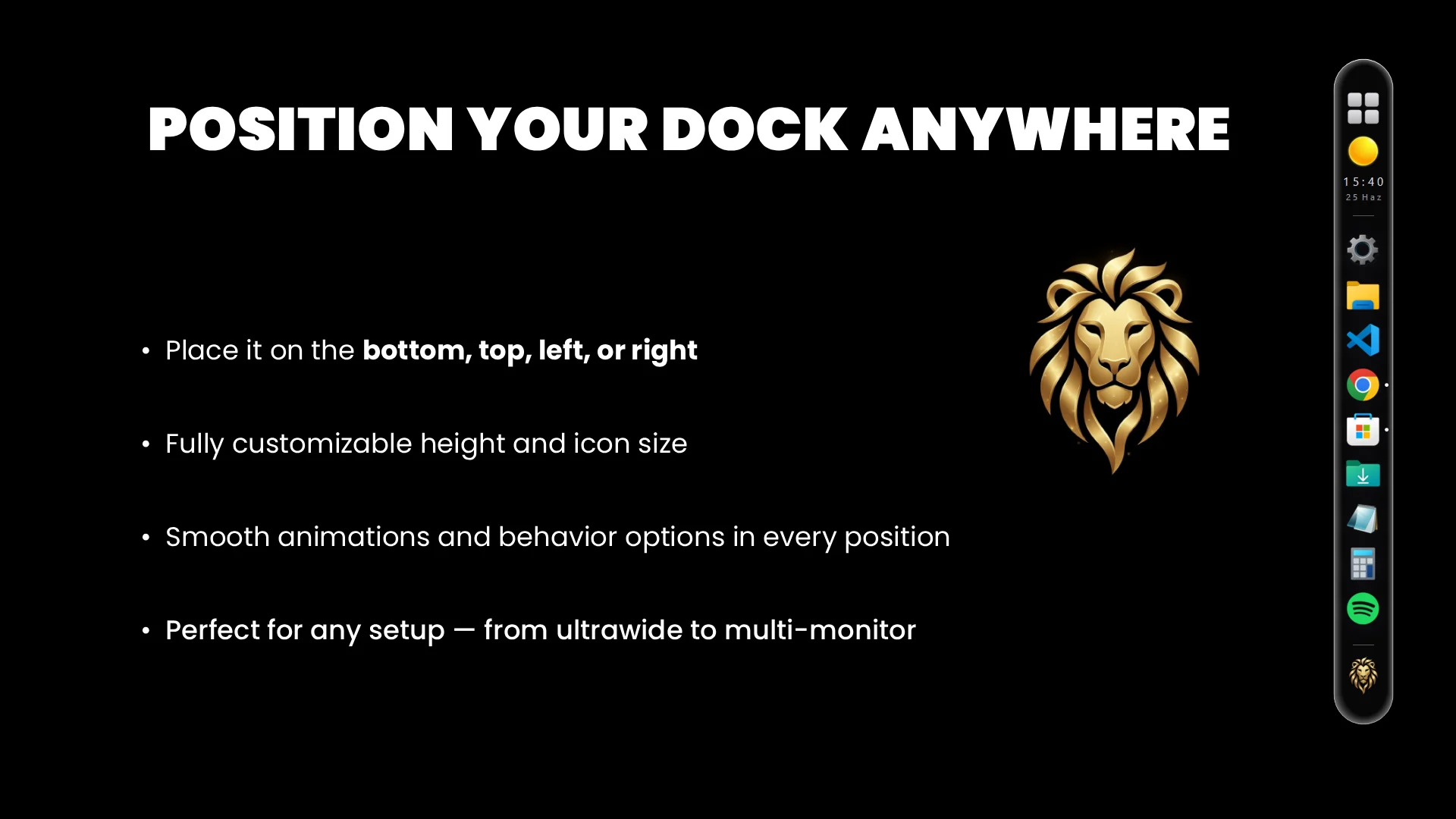
Replace rows of scattered desktop shortcuts with one sleek glassmorphism dock. Group apps, preview folders instantly, and keep your wallpaper clean.
Multiple Folder Previews
Pin Downloads, Documents, or active project folders as clean Folder Stacks and browse files without opening separate Explorer windows.
- Instant folder content previews
- Drag-and-drop organization
- Cleaner desktop wallpaper
14 Glassmorphism Themes
Match any dark or minimal Windows 11 wallpaper using 14 handcrafted translucent glass themes and live customization controls.
- 14 built-in glass themes
- Real-time visual adjustments
- 20 supported UI languages
100% Local Privacy
Your pinned workflows, folder paths, and theme preferences never leave your PC — zero cloud accounts, zero ads, and zero tracking.
- Stored in %LocalAppData%\AspinalDock\
- No telemetry or third-party SDKs
- Verified Microsoft Store delivery
Frequently Asked Questions
Clear answers about Aspinal Dock compatibility, architecture, licensing, and privacy.
How does Aspinal Dock help clean up a cluttered Windows desktop?
Instead of covering your desktop with dozens of app icons and project folders, you pin them via drag-and-drop into Aspinal Dock and access directories through expandable Folder Stacks.
Are my folder names or pinned apps uploaded anywhere?
Never. Aspinal Dock operates completely offline for configuration and stores your layout locally in %LocalAppData%\AspinalDock\.
Can I customize how the dock looks on different wallpapers?
Yes. Aspinal Dock includes 14 glassmorphism themes with live customization previews so you can dial in the exact look for your desktop.