Multi-Monitor Dock Engineered for Windows Workstations
Stop hunting across displays to launch tools or switch windows. Aspinal Dock delivers responsive multi-monitor placement, live window previews, and 144Hz+ fluidity.
Multi-Screen Control
Position your dock where your focus is across dual-monitor, triple-monitor, or ultrawide Windows 11 and 10 workstations.
- Multi-monitor support
- High-DPI scaling clarity
- Instant drag-and-drop pinning
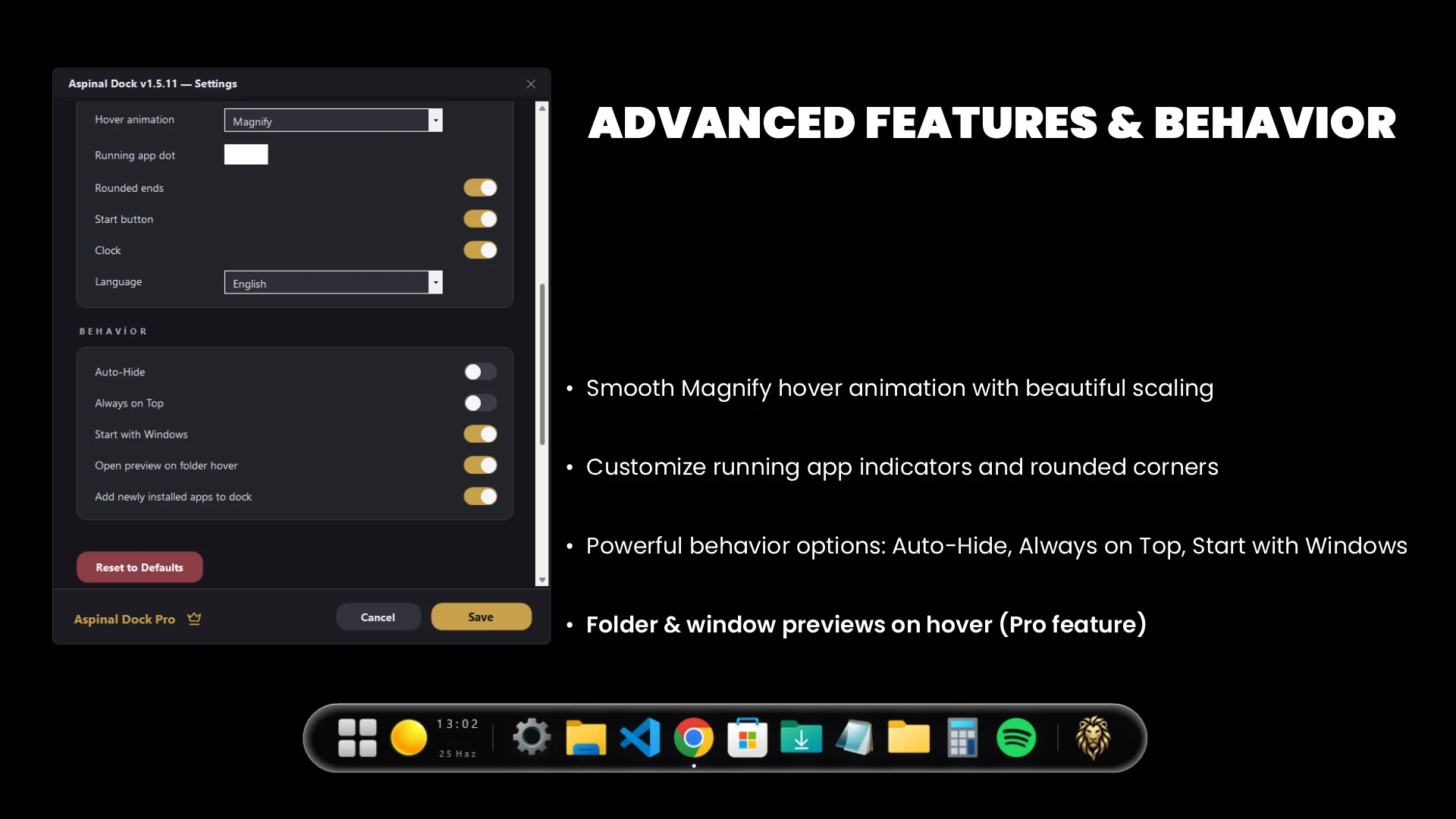
144Hz+ Smoothness & Auto-Hide
Designed for developers, creators, and gamers running high-refresh-rate displays, with intelligent auto-hide that stays out of full-screen workflows.
- 144Hz+ fluid sliding animations
- Auto-hide mode
- ~3.5 MB lightweight footprint
Live Window & Folder Previews
Inspect active windows and open pinned project directories from Folder Stacks without minimizing full-screen code editors, timelines, or games.
- Live window previews
- Multiple folder previews
- One-time $2.99 Store license
Frequently Asked Questions
Clear answers about Aspinal Dock compatibility, architecture, licensing, and privacy.
Why use a dedicated dock on multi-monitor Windows 11 setups?
Windows 11 restricts native taskbar movement and folder stack organization across displays. Aspinal Dock gives you fast app launching, folder previews, and clean auto-hide behavior tailored for multi-screen workflows.
Will Aspinal Dock cause frame drops while gaming on a 144Hz+ monitor?
Aspinal Dock is built for minimal CPU and RAM overhead (~3.5MB install) and supports auto-hide so full-screen games and creative apps run unimpeded.
Can I preview open windows and folders directly from the dock?
Yes. Both live window previews and multiple folder previews (Folder Stacks) are built right into Aspinal Dock.