Escape your cluttered, boring desktop.
Transform your Windows PC into a premium, organized workspace with Aspinal Dock — smooth animations, folder previews, and multi-monitor control.
Precision engineered.
Meticulously calculated pixels. Zero compromises on performance.
Effortless Organization
Organize everything with simple drag-and-drop. Your favorite apps and Folder Stacks are just a click away.
Premium Glass Themes
Beautifully crafted themes designed to complement Windows, with live customization previews.
Fluid Animations
Every interaction feels natural. Experience buttery-smooth magnification and window previews.
Lightweight by Design
Starts instantly and uses minimal system resources. Only ~3.5MB install size.
Under ~3.5MB Install
Near-zero RAM Usage
144Hz+ Monitor Ready
Optimized for Windows 11
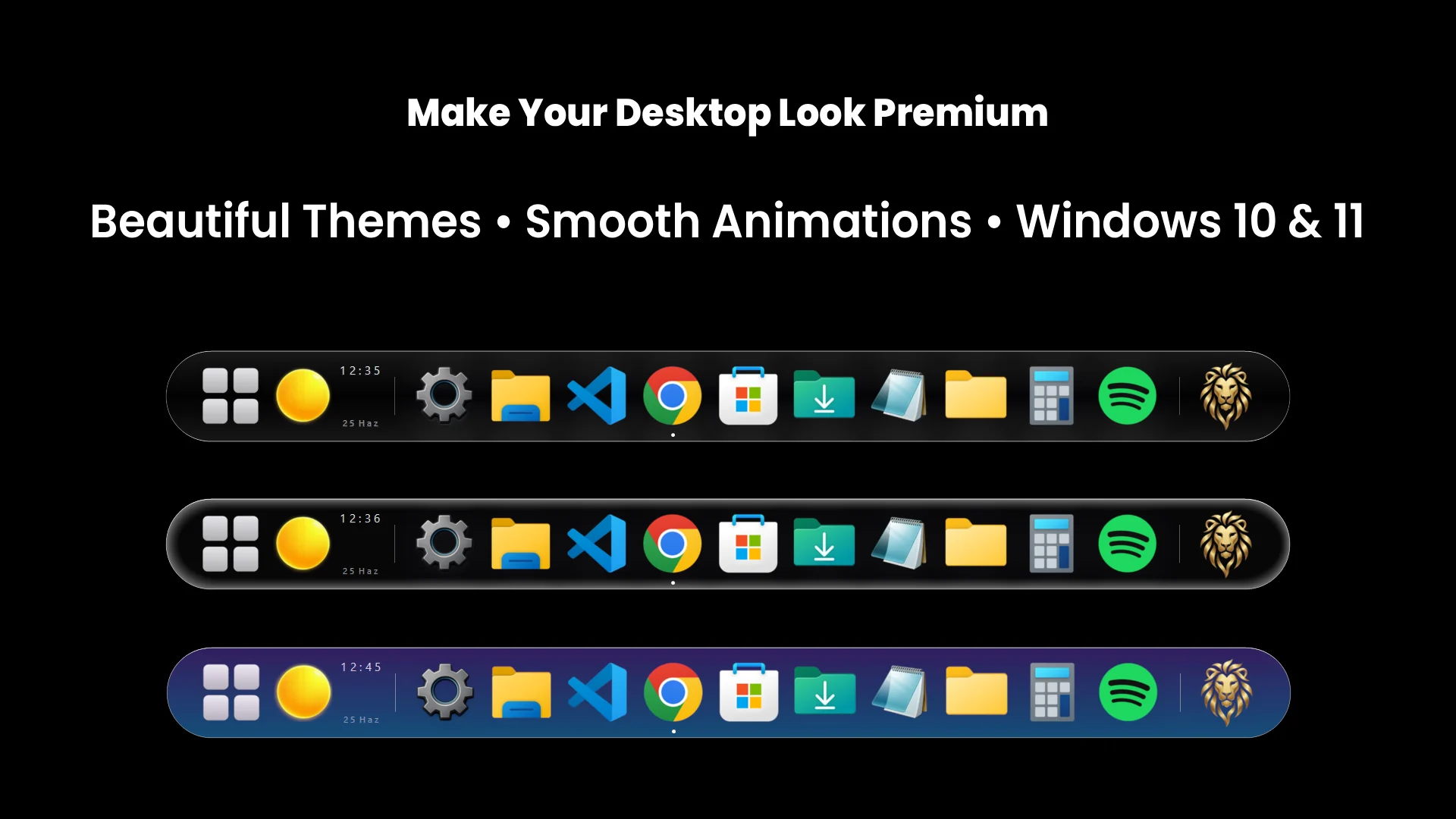
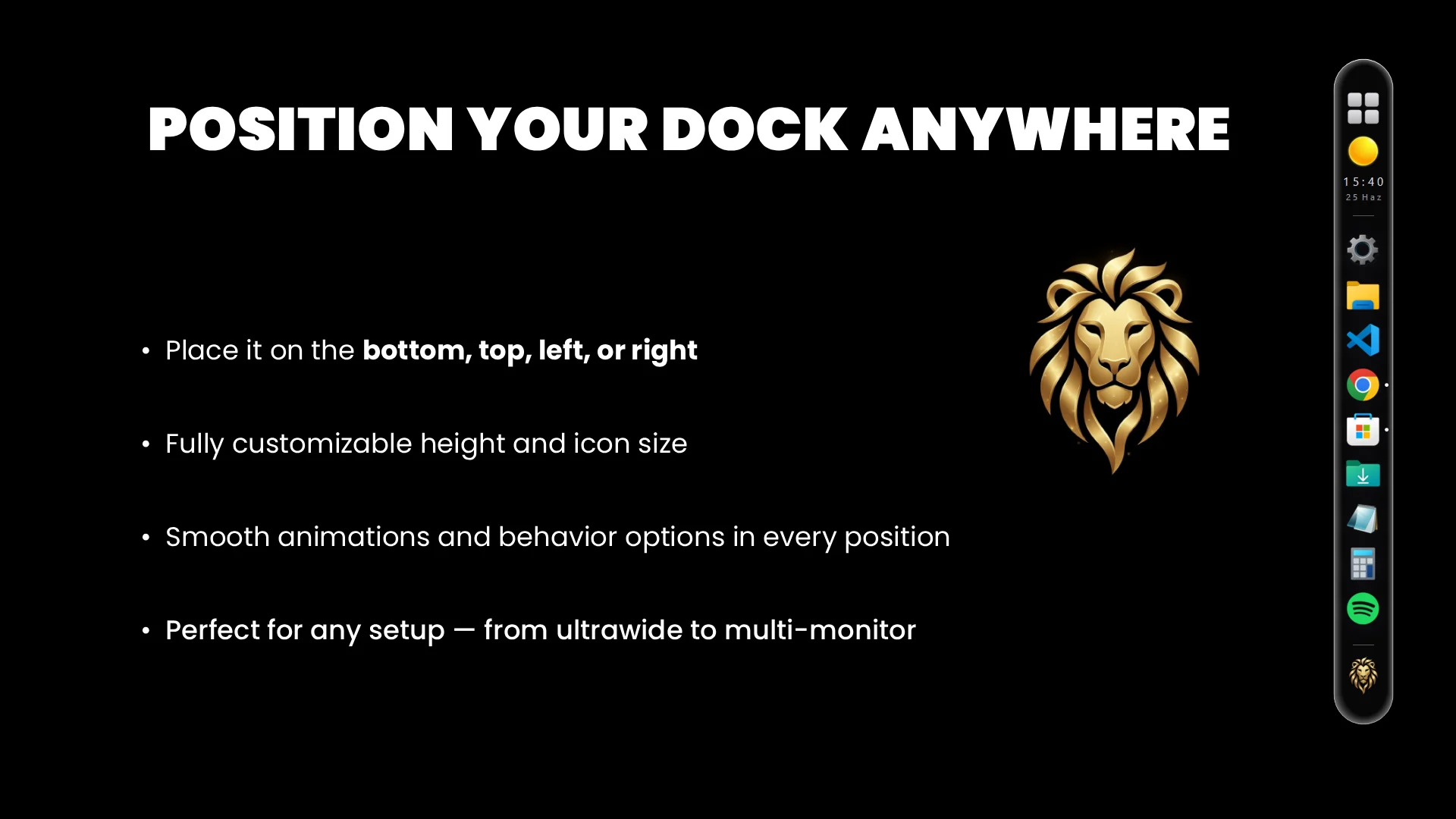
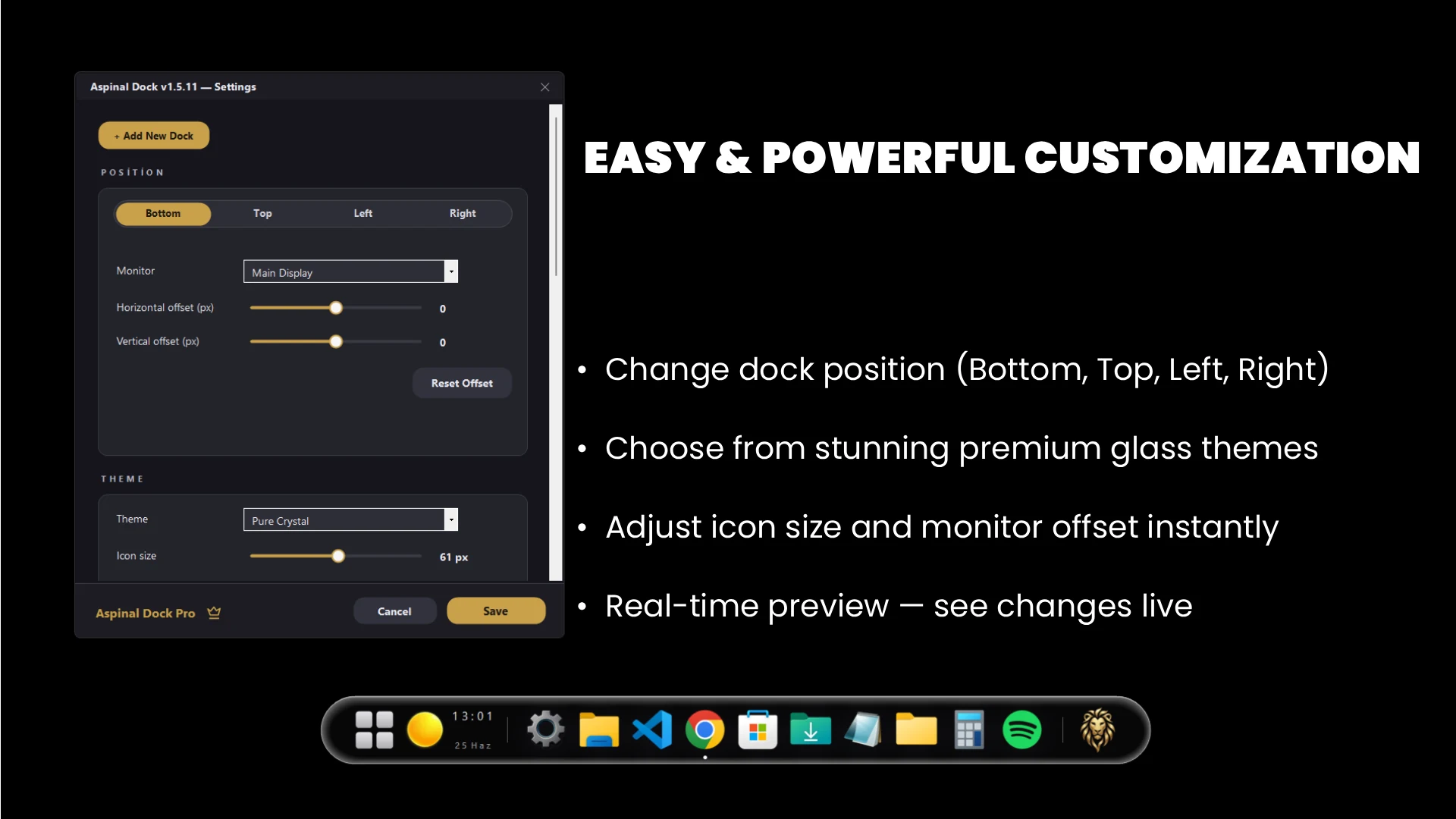
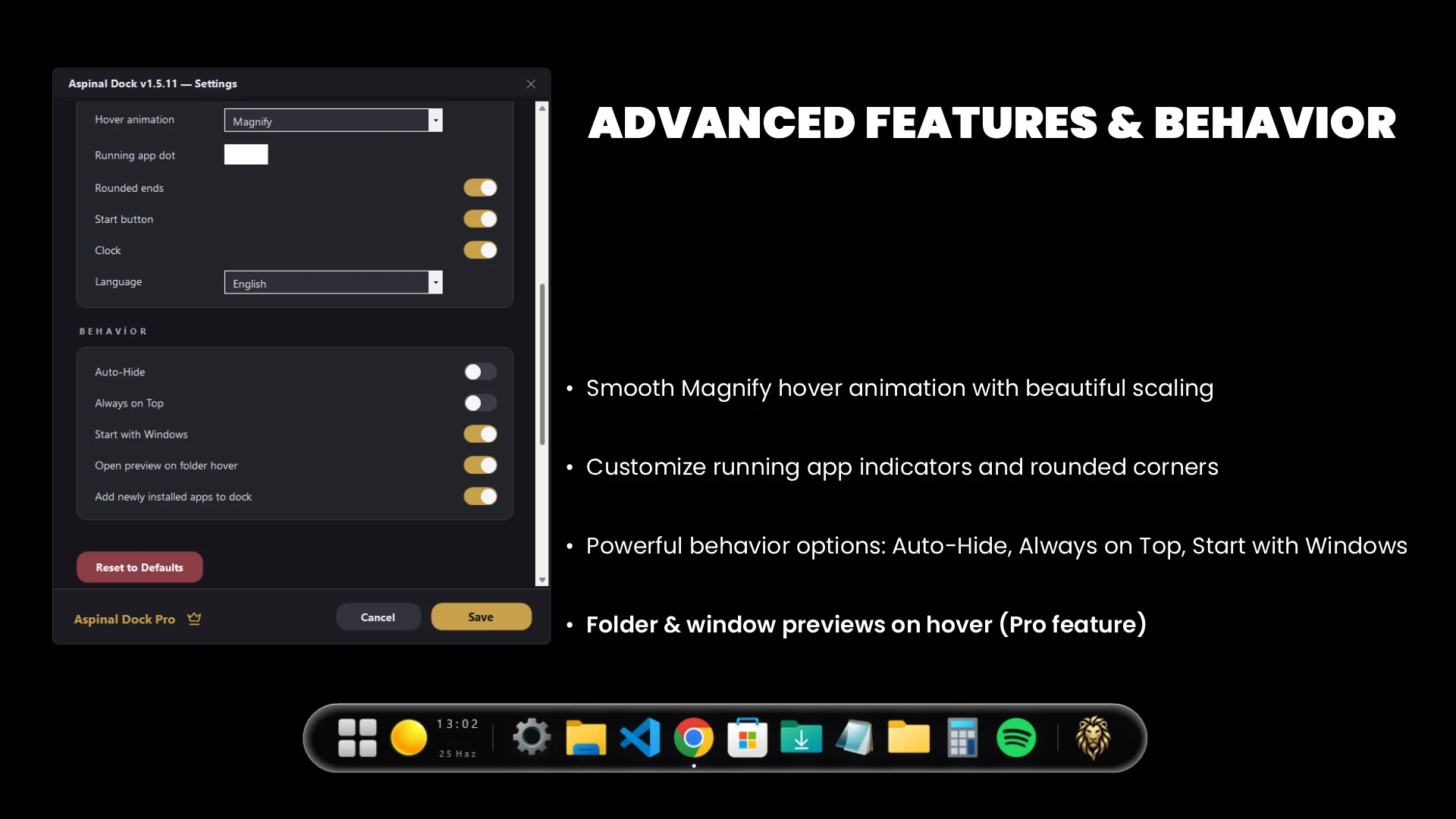
Everything required for a modern desktop
Experience every feature without limitations. Designed to make your workflow faster and more satisfying.
The gold standard for Windows customization.
We meticulously obsess over every pixel, animation, and line of code to bring you a clean, dependable desktop experience.
View Pricing & License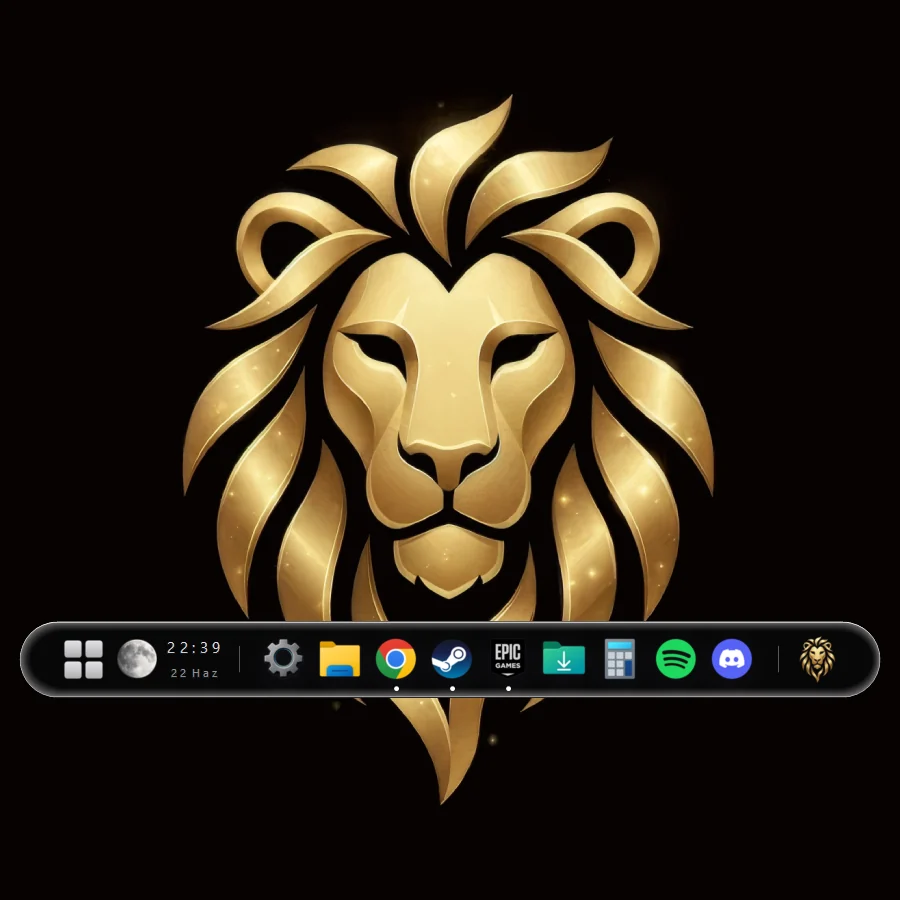
Explore How Aspinal Dock Fits Your Setup
Detailed architectural comparisons and workflow guides for Windows 10 and Windows 11 power users.
Mac-Style Dock for Windows 11 & 10
Compare standalone Microsoft Store dock architecture against heavy desktop skin suites and Explorer DLL patchers.
Multi-Monitor Dock for Windows
Launch apps, preview windows, and keep 144Hz+ smoothness across dual, triple, and ultrawide monitor workstations.
Windows 11 Desktop Organizer & Folder Stacks
Eliminate desktop icon clutter with drag-and-drop Folder Stacks, live previews, and 14 glassmorphism themes.
Frequently Asked Questions
Clear answers about Aspinal Dock compatibility, architecture, licensing, and privacy.
Does Aspinal Dock modify Windows system files or Explorer.exe?
No. Aspinal Dock runs as a standalone application distributed through Microsoft Store. It does not patch system DLLs or inject hooks into Explorer.exe, keeping your setup safe across Windows 10 and Windows 11 updates.
Is Aspinal Dock a subscription or a one-time purchase?
Aspinal Dock is a one-time purchase of $2.99 USD with perpetual use on one Windows device. There are no monthly or annual subscriptions.
Does Aspinal Dock support multi-monitor setups and 144Hz+ displays?
Yes. Aspinal Dock supports multi-monitor workspaces, auto-hide mode for full-screen apps, and fluid sliding and magnification animations engineered for high-refresh-rate (144Hz+) monitors.
How much disk space and system memory does Aspinal Dock require?
The installation footprint is approximately ~3.5MB, and it is engineered for minimal background CPU and RAM usage while you work or game.
What are Folder Stacks and multiple folder previews?
Folder Stacks let you pin important directories directly to the dock and preview their contents on click without cluttering your desktop wallpaper with dozens of shortcuts.
Does Aspinal Dock collect telemetry or personal data?
No. All dock settings, themes, and pinned items stay locally on your computer under %LocalAppData%\AspinalDock\. Aspinal Dock contains zero ads, zero analytics SDKs, and no cloud account requirement.